
FreeMcBoot Memory Cards
Launching homebrew software and custom game loaders on your PS2 requires a reliable memory card solution that boots your system into modified firmware without disc insertion or network access. FreeMcBoot Memory Cards pre-configure all launcher essentials, eliminating hours of technical setup while preserving your console’s warranty and original functionality. Purchase your FreeMcBoot Memory Cards from the official store and start running Open PS2 Loader within minutes of connecting your system.


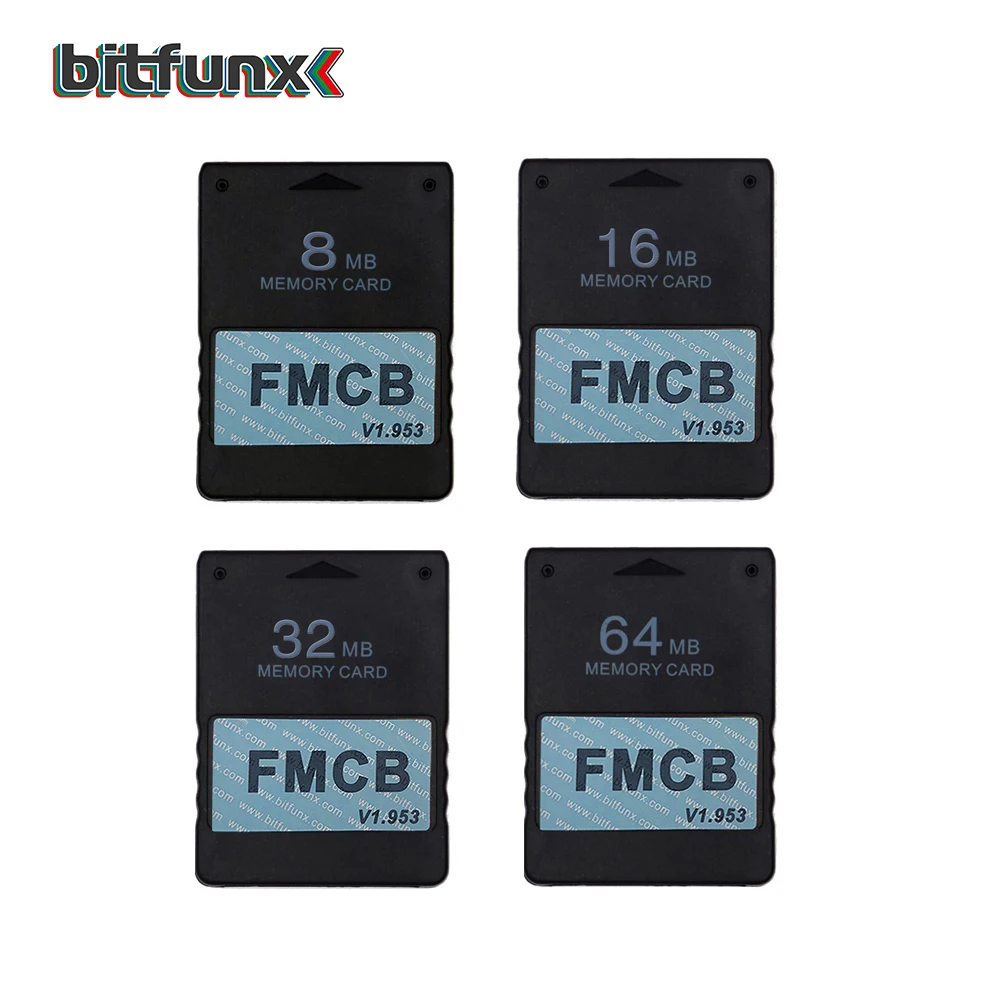
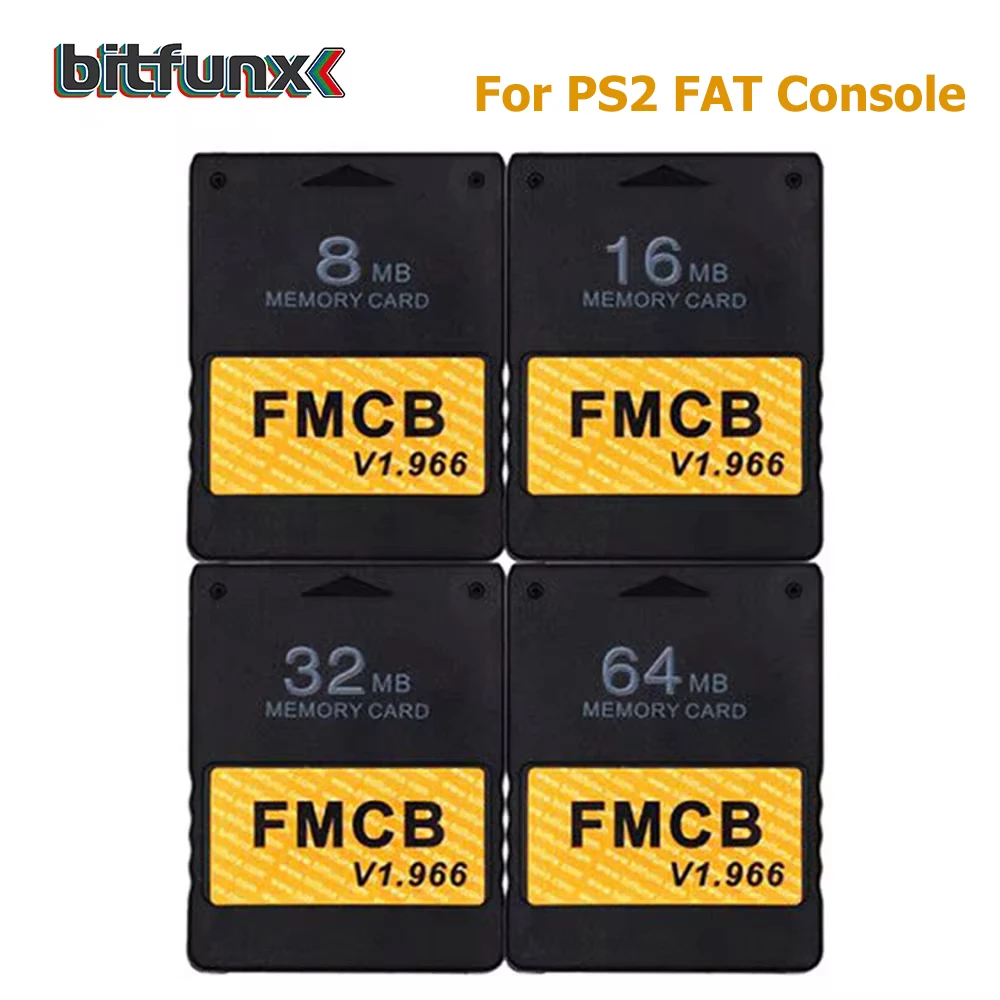
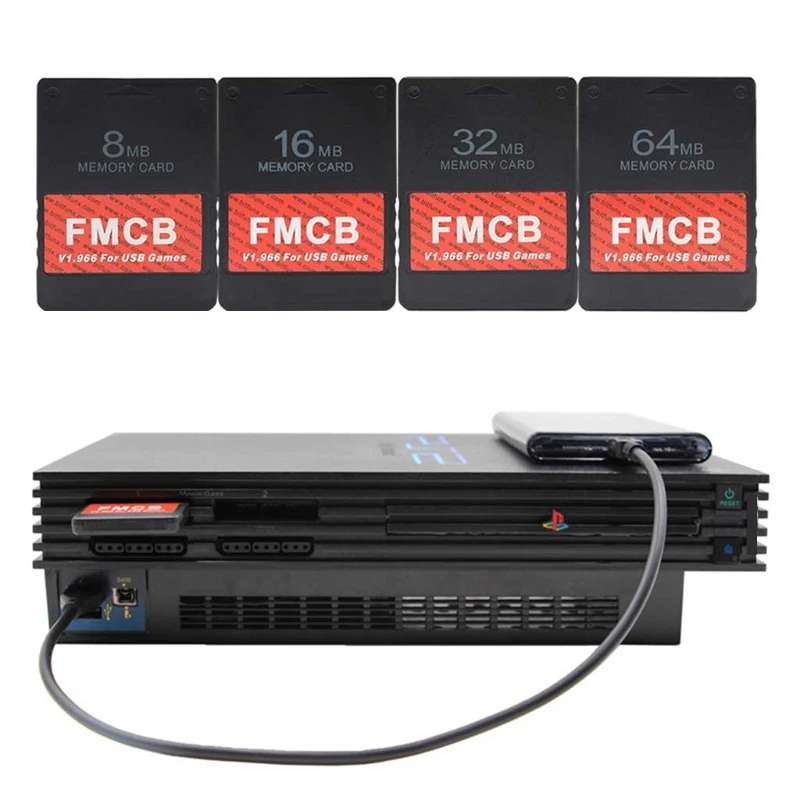
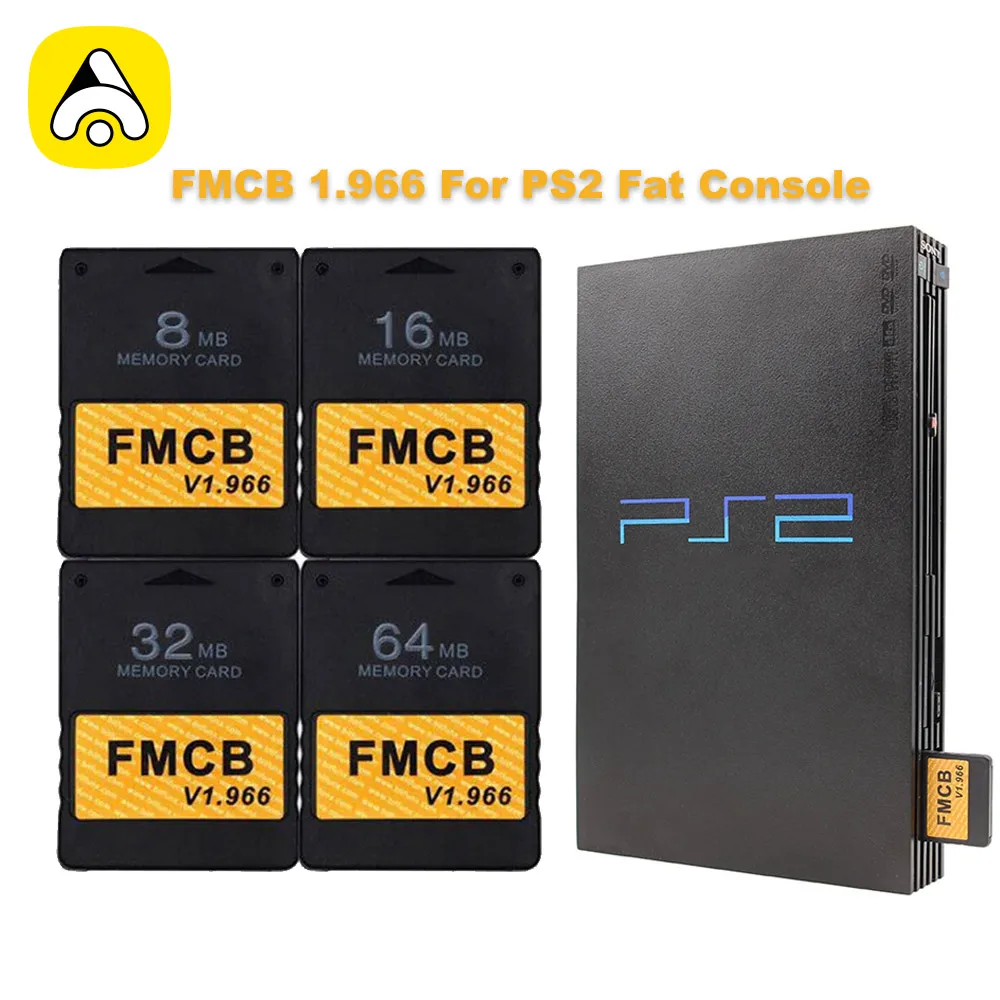
FreeMcBoot Memory Cards: OPL Launcher Ready
FreeMcBoot Memory Cards arrive pre-configured with the complete launcher environment that initiates Open PS2 Loader on every console startup, bypassing disc-based game loading entirely. These memory cards contain the FMCB firmware image flashed to a genuine Sony-branded or compatible third-party memory card through a verified installation process certified across all PS2 motherboard revisions. The pre-installed configuration detects your console model automatically and initializes appropriate settings for your specific hardware revision, JAP, NTSC-U, or PAL regional variants included. FreeMcBoot Memory Cards work as a transparent boot device—insert the card, power on your console, and the launcher menu appears within seconds without any additional steps or configuration prompts. Unlike software-only solutions that require PC transfers or network access for each update, the FreeMcBoot approach stores everything directly on the card itself in protected partitions. The trusted brand reputation built by FreeMcBoot users worldwide reflects seven years of reliable operation across millions of installed systems in gaming communities. Order from the official store to receive genuine FMCB firmware with documentation confirming compatibility with your specific console serial number.
Pre-Configured Launcher Environment and Firmware Architecture
The FreeMcBoot firmware occupies a dedicated protected partition on your memory card, separate from the game library partition, ensuring launcher files remain inaccessible to accidental deletion or file system corruption. Each card ships with Open PS2 Loader already configured to detect game directories and ISO files, requiring zero manual launcher setup or configuration file editing by the end user. The firmware supports both standard 8MB memory cards and larger capacity cards up to 128GB when used with compatible SD adapters, providing flexibility in your storage approach. Automatic region detection ensures your launcher displays in the correct language and supports NTSC frame rates for North American systems or PAL standards for European and Australian consoles. The pre-configuration includes default controller mappings, game sorting preferences, and backup launcher options that experienced users can customize later through the launcher menu interface. FreeMcBoot Memory Cards include a dedicated support partition containing troubleshooting tools, system information utilities, and recovery files that resolve common boot issues without requiring computer access. Installation documentation confirms zero risk of console damage—FreeMcBoot operates entirely within existing memory card systems designed by Sony for game save functionality.
Why FreeMcBoot Outperforms Alternative Launcher Methods
Modchip installation requires permanent hardware modifications that void your console warranty and risk irreversible damage to motherboard traces and integrated circuits during soldering operations. Network adapter solutions depend on stable internet connectivity and laptop transfers that frustrate users in regions with unreliable broadband or gaming spaces without nearby computing equipment. USB-based loaders demand external power supplies and keyboard interfaces that add clutter to your entertainment setup and consume table space better used for controllers or display equipment. FreeMcBoot Memory Cards eliminate these complications by functioning through your console’s original factory-installed memory card slot, requiring zero modifications to your hardware whatsoever. The best price configurations for FreeMcBoot solutions cost significantly less than modchip services while delivering faster boot times and greater reliability across console revisions. Trusted brand status means you access community forums, compatibility databases, and setup guides developed by thousands of successful installations rather than niche solutions with limited documentation. Users report FreeMcBoot maintaining functionality across entire console lifetimes without degradation, firmware corruption, or compatibility regressions with newer game titles.
Installation Process and Initial Configuration
Inserting your FreeMcBoot Memory Card into the console’s memory card slot and powering on your system triggers automatic initialization—your launcher appears ready to use within 30 seconds on first boot. The OPL Launcher displays immediately, presenting a menu of detected games and system options without requiring any manual configuration or settings adjustments by the user. Your existing game saves stored on separate memory cards remain completely unaffected and accessible through the launcher, allowing seamless integration with your current gaming workflow. Controller configuration follows standard PS2 conventions—all four multitap ports support simultaneous players, and button mapping matches original game controller layouts without adaptation. The launcher menu includes system information screens showing your console’s region, motherboard revision, and installed firmware version, useful for troubleshooting and community support discussions. Advanced users can customize the launcher appearance, controller assignments, and game sorting preferences through settings screens, but default configurations work perfectly for casual gaming immediately after card insertion. Visit the official store support page to access detailed setup guides, video tutorials, and community forums where thousands of users share their FreeMcBoot configurations and game recommendations.