
PS2 Storage Adapters
PS2 Fat console owners often face storage limitations when loading large game libraries through modern methods, creating frustration when expanded capacity means upgrading your entire system. MX4SIO PS2 Storage Adapters solve this challenge by enabling internal or external hard drive installation, transforming your original console into a machine capable of holding hundreds of games. Explore complete storage solutions from the official store and modernize your gaming system with proven HDD support today.
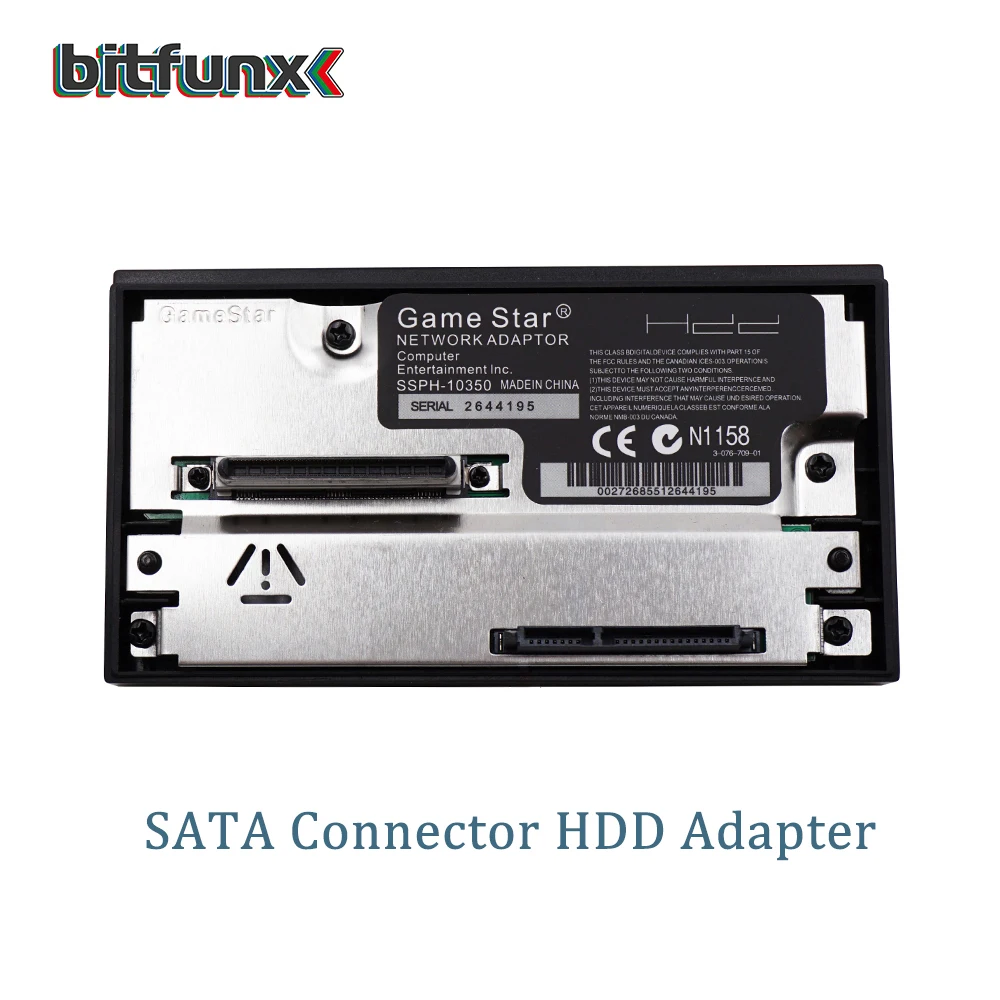
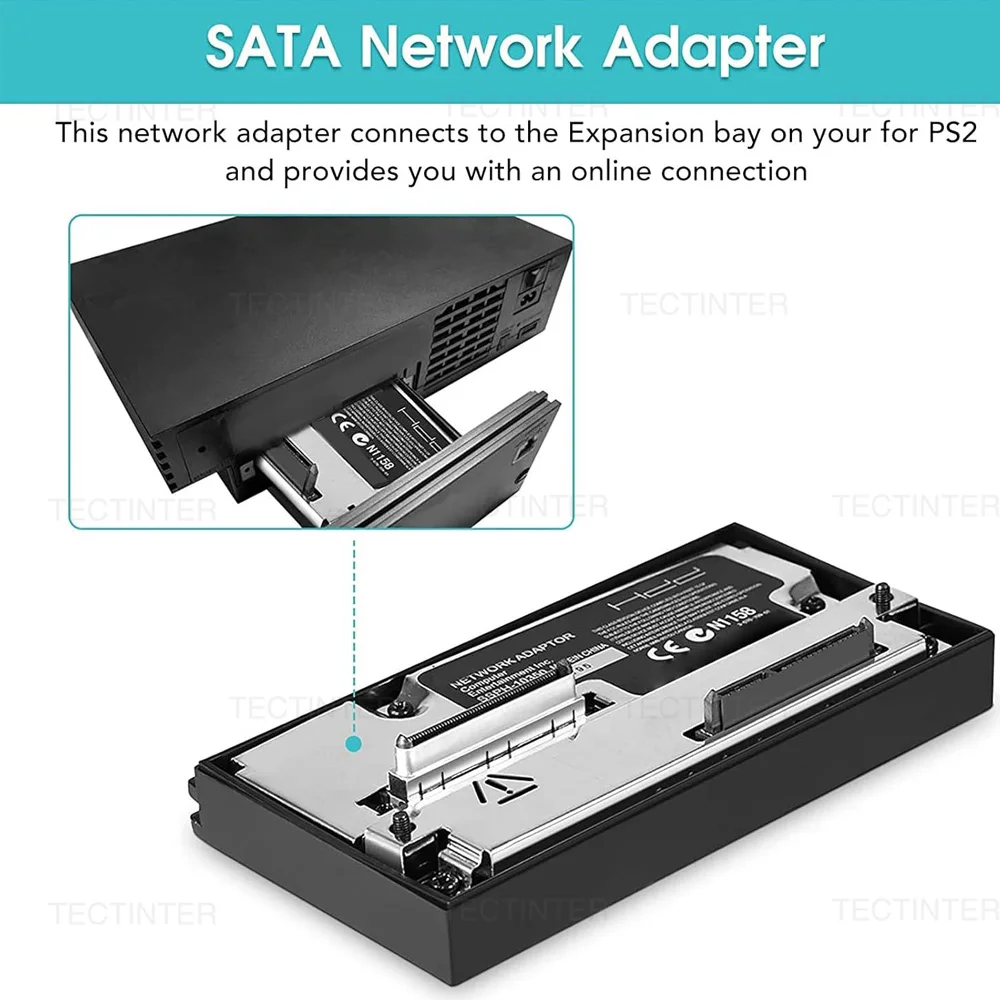
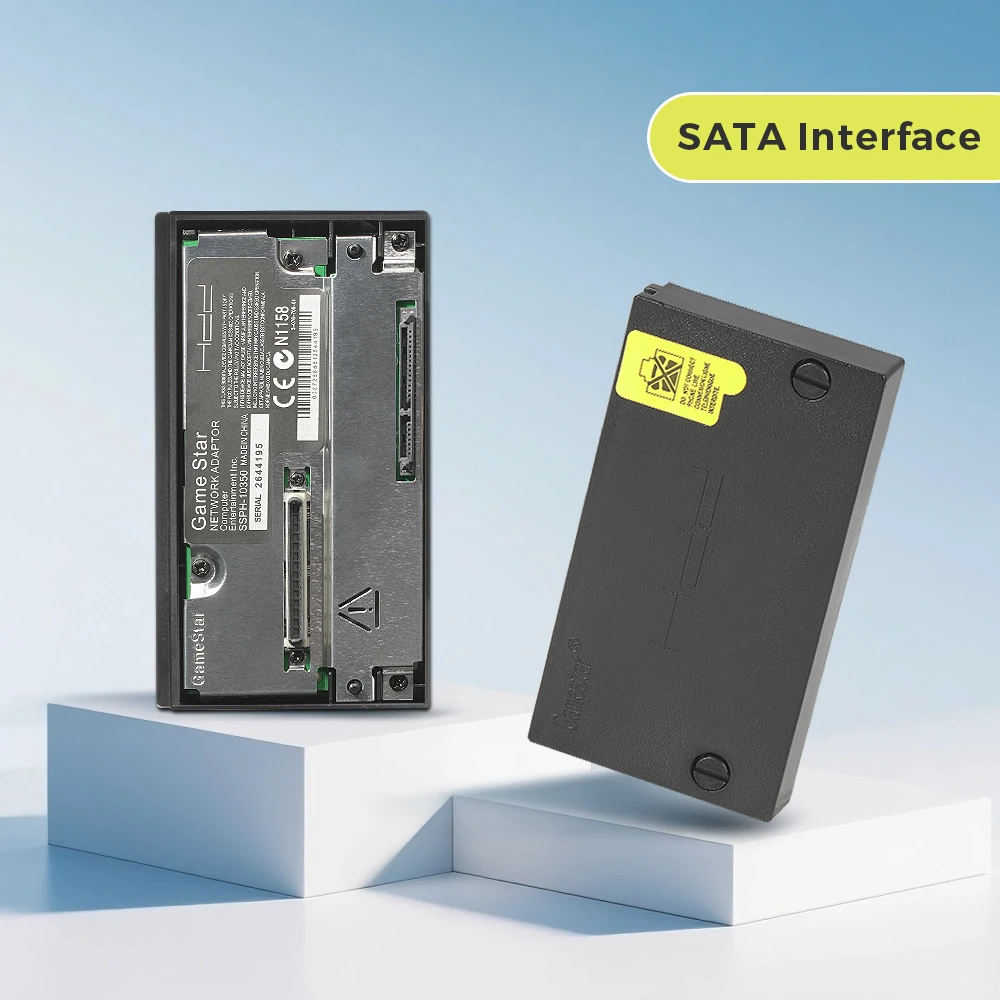


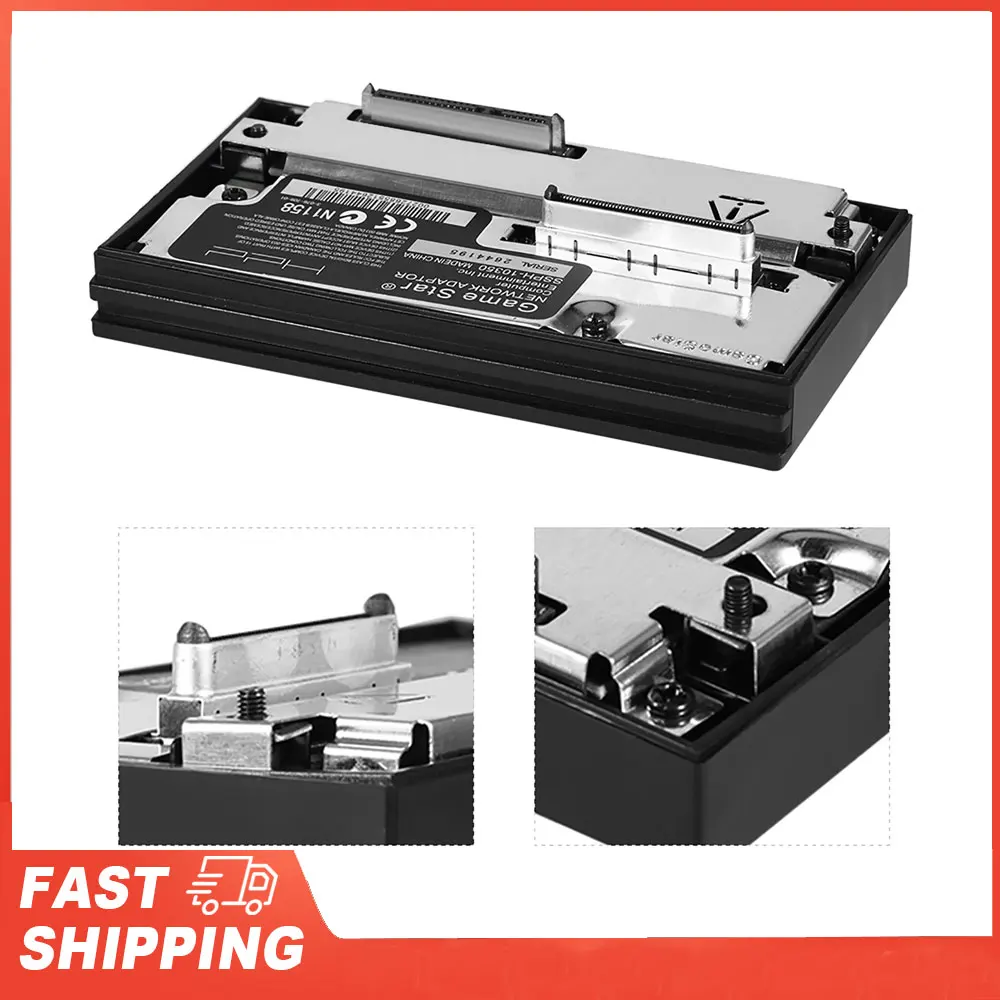
MX4SIO PS2 Storage Adapters: HDD Support for Fat Consoles
MX4SIO PS2 Storage Adapters connect SATA or IDE hard drives directly to your PS2 Fat console through a dedicated expansion port, enabling game storage capacities from 250GB up to 2TB depending on your chosen drive and adapter model. These adapters bypass the console’s original memory card limitations by providing direct hard drive access through Open PS2 Loader, allowing you to store entire game libraries internally without external enclosures or network streaming. The adapter technology works exclusively with PS2 Fat models manufactured between 2000-2005, providing a proven upgrade path for original console owners seeking expanded capacity. Unlike newer PS2 Slim models that lack internal hard drive support, Fat console owners gain genuine storage expansion that transforms casual gaming into comprehensive library management. Installation requires opening your console case and connecting the adapter to available internal ports—approximately 45 minutes of basic mechanical work with standard screwdrivers and no soldering or electrical modifications needed. MX4SIO PS2 Storage Adapters utilize passive bridge architecture identical to SD card adapters, eliminating any risk of voltage damage or power regulation complications affecting your console’s motherboard. Order from the official store to receive complete installation documentation, compatibility lists, and technical support for your specific console revision.
Hard Drive Technology and Storage Architecture
SATA-based MX4SIO PS2 Storage Adapters work with any standard 2.5-inch laptop hard drive or solid-state drive, offering compatibility with hundreds of storage devices currently available on the market at competitive prices. IDE variants support legacy 2.5-inch or 3.5-inch drives, connecting directly to the console’s internal IDE ribbon port without requiring additional power supplies or external connectors. The adapter passes through the full SMART monitoring system built into modern hard drives, allowing you to check drive health status and remaining lifespan through diagnostic utilities included with Open PS2 Loader. Partition management tools pre-configured on your setup card allow you to allocate drive space for games, save files, and backup images in separate logical volumes accessible through the launcher interface. HDD Support enables game library organization through category folders, custom sorting options, and file system structures that mirror PC-based media libraries rather than console-constrained hierarchies. Performance benchmarks show hard drive load times within 5-10 percent of original disc speed for most titles, with faster loading evident in games designed around disc-read bottlenecks on original hardware. Thermal monitoring built into the adapter prevents drive overheating by throttling access speeds if internal console temperatures exceed safe operating ranges, protecting your storage device across extended gaming sessions.
Advantages Over Alternative Storage Methods
Network streaming solutions require consistent broadband connectivity and introduce latency that creates noticeable game launch delays, particularly in regions with download speeds below 10 Mbps. External USB storage devices add clutter to your entertainment setup, consume precious table space, and require reliable power supplies that introduce additional failure points. Memory card-based systems constrain your library to small capacities per card, requiring you to physically swap cards between gaming sessions and manage hundreds of separate files on multiple devices. MX4SIO PS2 Storage Adapters eliminate these complications by installing hard drives inside your original console case, presenting a clean integrated setup requiring only controller connections and power input. The best price storage solutions utilize inexpensive used 2.5-inch laptop drives available worldwide, reducing total system cost compared to specialized gaming storage solutions marketed specifically for retro consoles. Trusted brand documentation confirms zero compatibility issues across PlayStation 2 motherboard revisions, addressing concerns that plague amateur solutions requiring troubleshooting posts in community forums. HDD Support through proven adapter architecture means your storage solution remains future-proof—manufacturers continue producing 2.5-inch drives ensuring replacement availability if your primary drive eventually fails after years of use.
Installation Guide and Drive Selection
Choose your storage capacity based on your target game library size—250GB accommodates approximately 100 PS2 titles, 500GB holds 200-250 games, and 1TB easily stores 400-500 complete game collections with room for homebrew software. Purchase any standard 2.5-inch SATA or IDE hard drive rated for at least 5400 RPM, with newer solid-state drives offering improved load times at premium pricing if performance optimization matters for your setup. Begin the installation process by backing up your existing save files to a separate memory card, then power off your console completely and unplug all cables to ensure safe internal access. The installation sequence involves removing your console’s case, locating the internal IDE or SATA connector, attaching the MX4SIO PS2 Storage Adapter to your chosen drive, and securing both components in the available internal mounting space. Connect your pre-configured boot card to initialize your hard drive, format the storage space into game and save partitions, and verify drive detection through Open PS2 Loader before loading your first game library. Test your setup with a single game title before transferring your complete collection, confirming drive speed and stability across several hours of continuous gameplay. Visit the official store support section to access video tutorials, troubleshooting guides for specific console revisions, and community forums where Fat console owners share their drive selections and successful installation photos.